Chrome Extension · MV3
Your moodboard, pinned to the
browser side panel.
Scrape hundreds of high-res assets from any page. Auto-sorted by site, tagged by a local AI model on your GPU, pinned to a persistent gallery in Chrome's Side Panel.
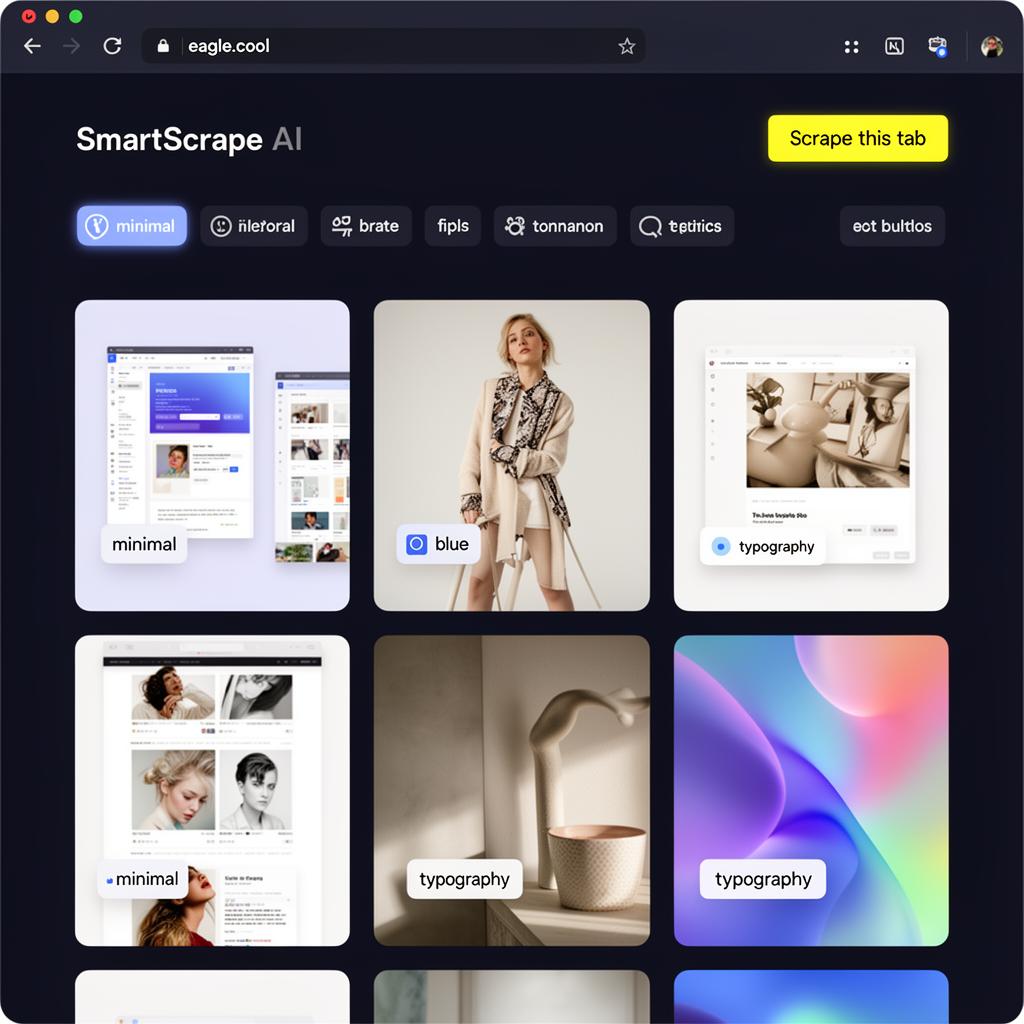
A complete asset manager — without the desktop app.
Side Panel Gallery
Browse saved assets without leaving the tab. Persistent across navigation, powered by Chrome's V3 Side Panel API.
Metadata Scraper
Pulls source URL, alt text, OG tags, and site name. Never lose where an image came from.
High-Res Priority
Parses srcset, picture sources, and parent links to grab the largest variant available.
Auto-Sorting
Buckets every asset by site and month using page metadata — no manual filing.
Local AI Tagging
WebGPU-powered tags (color, mood, subject) computed in an offscreen document. Nothing leaves your machine.
Format Converter
WebP / AVIF → PNG via the Offscreen API and OffscreenCanvas.
Smart Filters
Filter by min resolution, format, site, and tag chips. Live as you type.
Right-Click Save
Context menu integration to grab single images on the fly.

Build moodboards at the speed of browsing.
Every image you scrape lands in a persistent gallery, auto-grouped by site and month. Filter by resolution, format, or AI tag — find the exact reference in seconds.

On-device AI tagging.
A WebGPU model runs in an offscreen document and tags every asset with subject, color, and mood. Nothing is sent to a server — your moodboard stays yours.
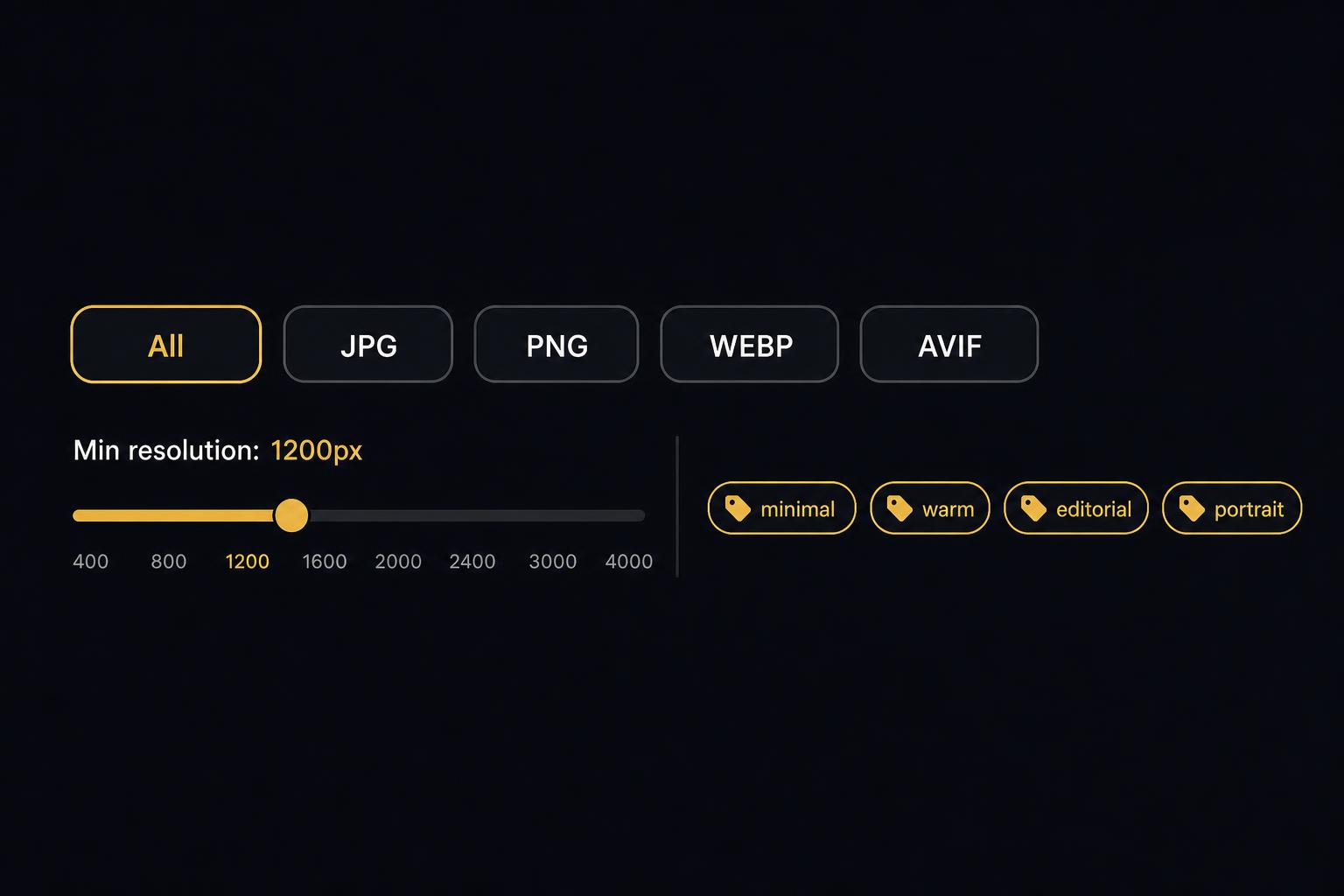
Smart Filters
Find the exact reference in seconds.
Live filter chips for resolution, format, site, and AI-generated tags. Type to narrow your library instantly — no folders to dig through, no cloud round-trip.
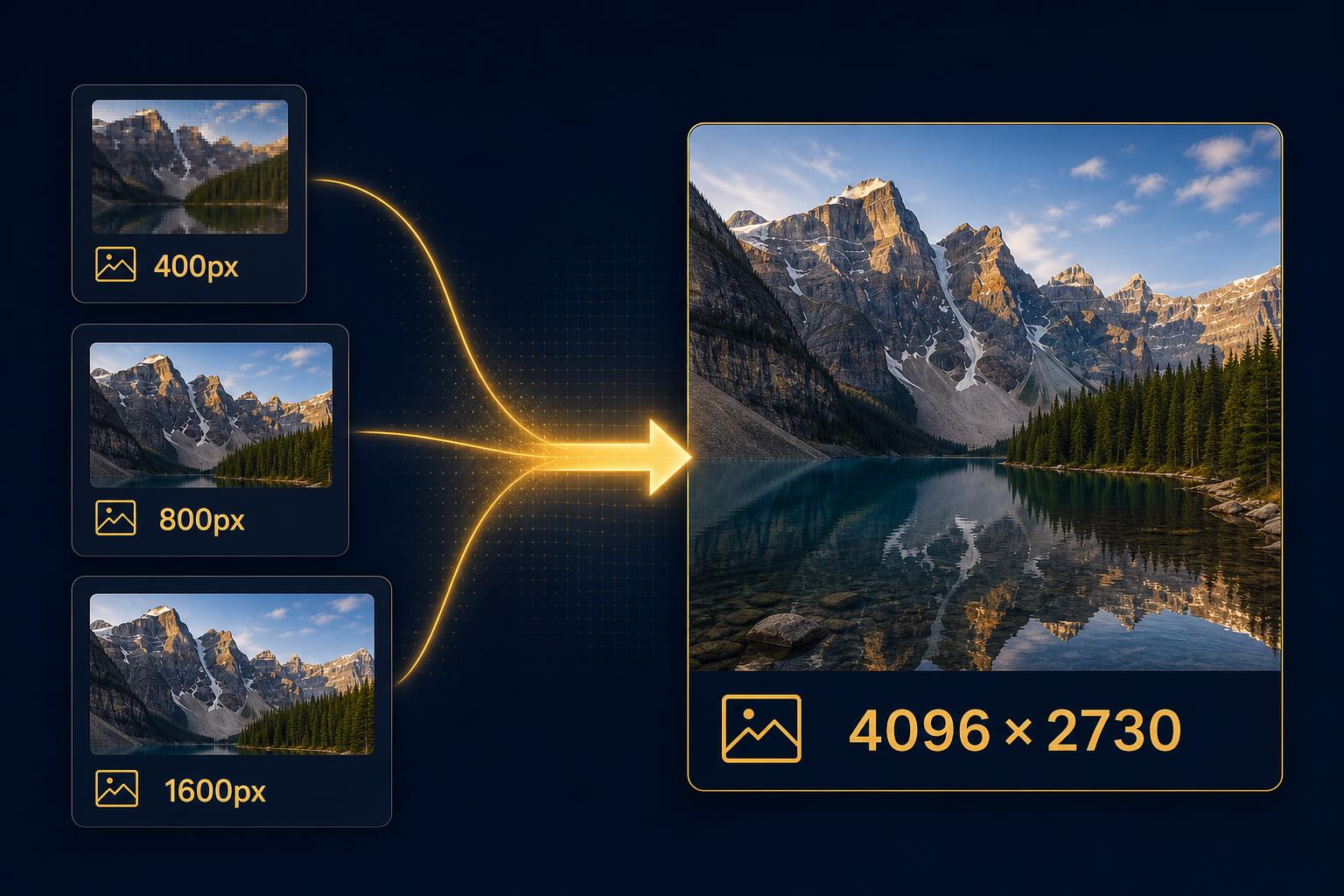
Pro · Deep Scraper
Reach the original file behind every thumbnail.
Deep Scraper follows links, parses srcset variants, and resolves CDN tricks to grab the highest-resolution version of every asset — no more 400px placeholders.

Pro · Smart Folders
Auto-sort rules that file as you scrape.
Define rules once — by site, tag, color, or resolution — and every new asset lands in the right folder automatically. Like Gmail filters, but for your visual library.
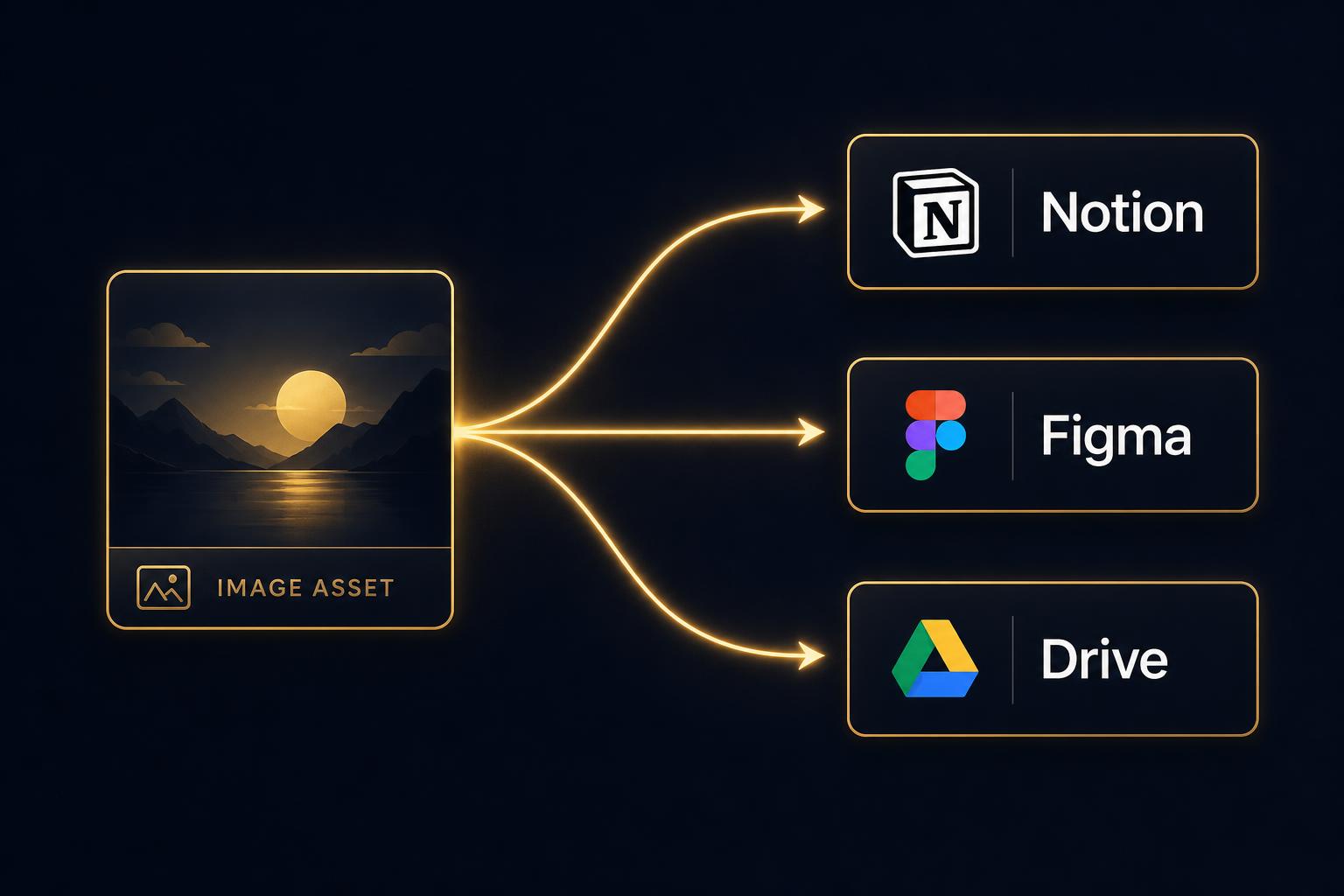
Pro · Integrations
One click to Notion, Figma, or Drive.
Push any asset (or a whole folder) straight into the tools where you actually work. Keep the metadata, tags, and source URL intact across the jump.
Install in 30 seconds
- 01 Download and unzip the file.
- 02 Open
chrome://extensionsin Chrome (or any Chromium browser). - 03 Toggle Developer mode in the top-right.
- 04 Click Load unpacked and select the unzipped folder.
- 05 Click the toolbar icon — the Side Panel opens. Hit Scrape this tab.